
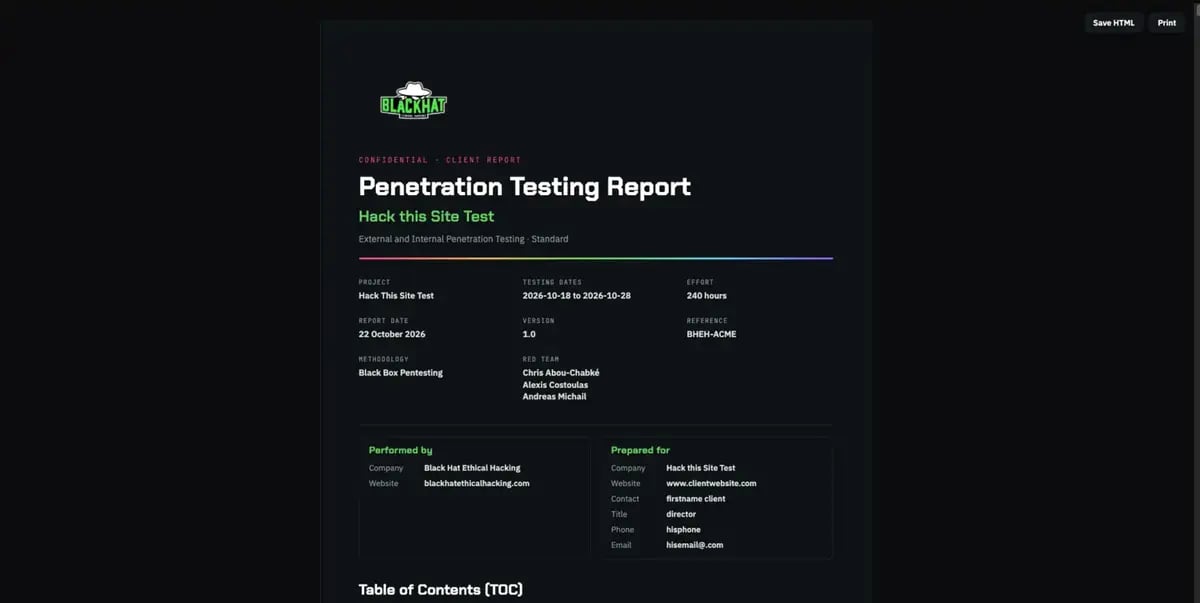
The PDF report cover page
The finding anatomy
Every finding follows the same anatomy, so a client reads each issue the same way:Common information
Common information
Total risk, probability, criticality, the weakness class (CWE), the affected network or site, the CVSS score and vector, and the affected assets.
Description
Description
What the issue is, in plain language.
Risks
Risks
What an attacker can do, the business impact, and the likelihood of exploitation.
Technical description
Technical description
Root cause, how the weakness manifests, an evidence walkthrough, the affected components and assets, and the conditions and prerequisites.
Steps to reproduce
Steps to reproduce
A prerequisites line, then numbered steps a reviewer can follow to see the issue.
Recommendations
Recommendations
Immediate actions, the configuration or code fix, hardening and defence in depth, compensating controls, references, and how to verify the fix.
Evidence
Evidence
The captured request and response, in monospace, that proves the finding.