
--profile (the default is normal).
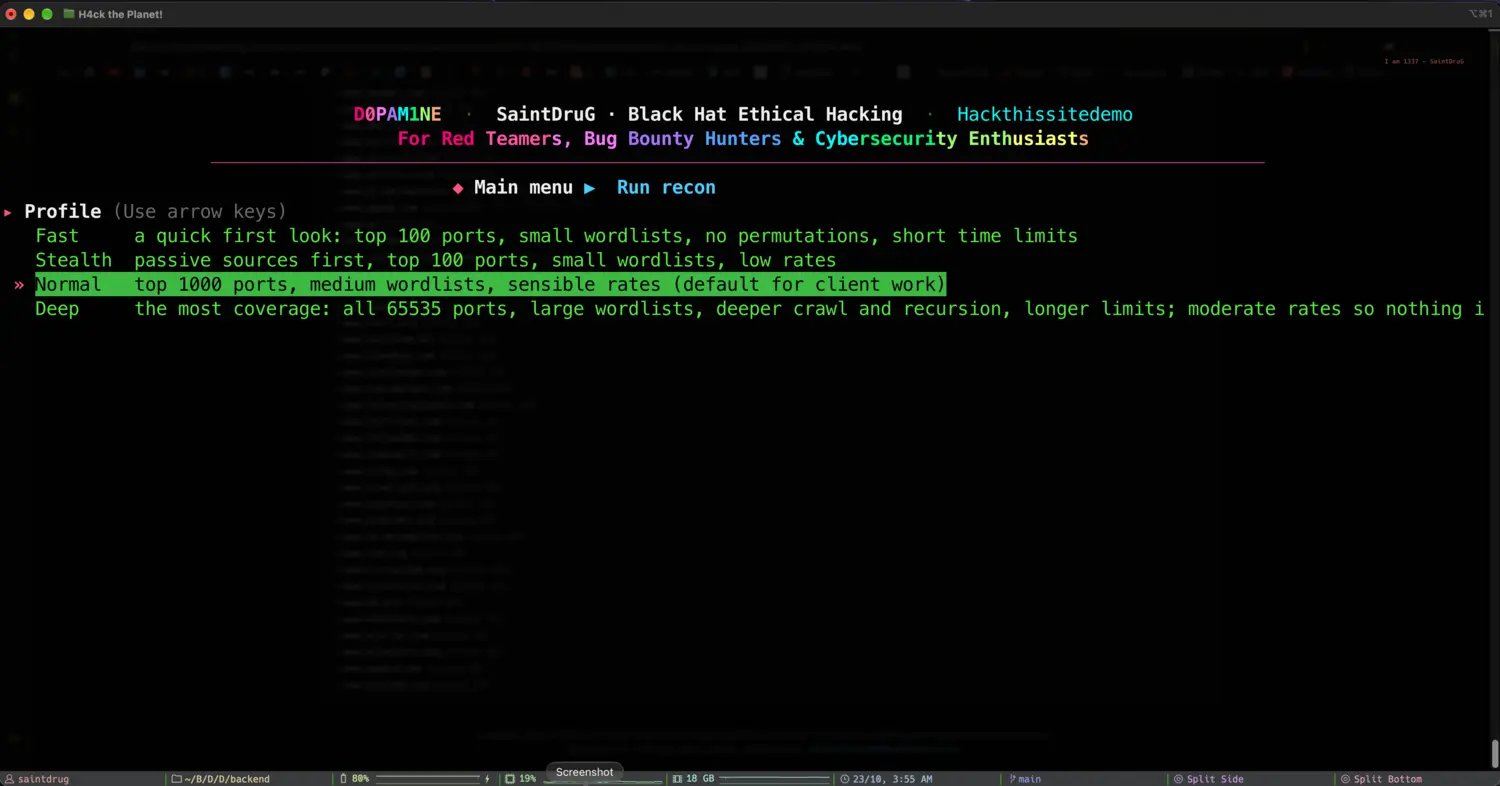
Pick a profile: coverage and pacing in one line each
The four profiles
Fast
A quick first look: top 100 ports, small wordlists, no permutations, short time limits. For a rapid sense of the surface.
Stealth
Passive sources first, top 100 ports, small wordlists and low rates. The quietest profile, for staying under the radar.
Normal
Top 1000 ports, medium wordlists and sensible rates. The balanced default for client work.
Deep
The most coverage: all 65535 ports, large wordlists, deeper crawling and recursion, longer limits and moderate rates. The longest profile.
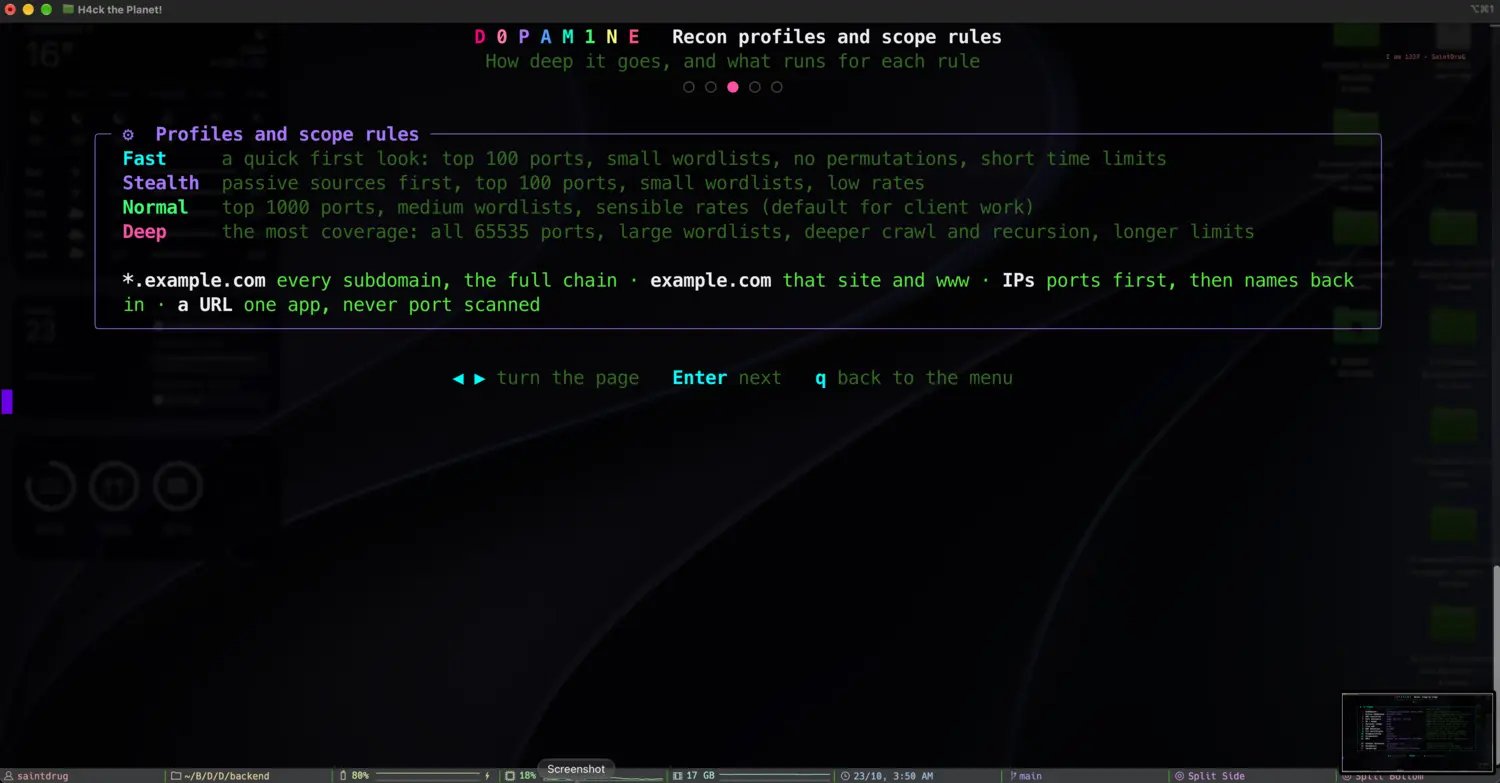
The four profiles, and how scope rules shape each run
What each profile sets
Every profile sets the same knobs to different values. The most important:Profiles and tool settings
A profile sets the run-wide pacing; per-project tool settings override individual tools. The two are merged for each run, so you can runnormal but, say, scan all ports on one project:
Profiles and Evasive Mode
Evasive Mode scales a profile’s pacing knobs down without touching its coverage. Three intensities multiply the rate and concurrency knobs:
Coverage knobs (ports, crawl depth, wordlist sizes, time budgets) are left alone, and the per-tool timeout is doubled to give the slower pace room. So Evasive Mode makes a run quieter and gentler, not shallower.
Fingerprinting in recon is detection only: nuclei runs technology, SSL and DNS templates at info severity. CVE and DAST templates run in the attack phase, never during recon.